Universal SSH Key Manager · Enterprise security
Making invisible access risk understandable
Large companies had decades of SSH keys and no reliable picture of who could access what. UKM had to find that invisible mess, explain it and help people clean it up safely.
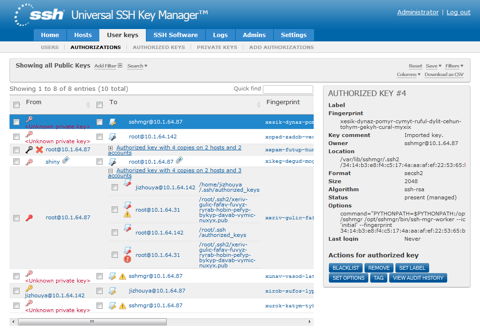
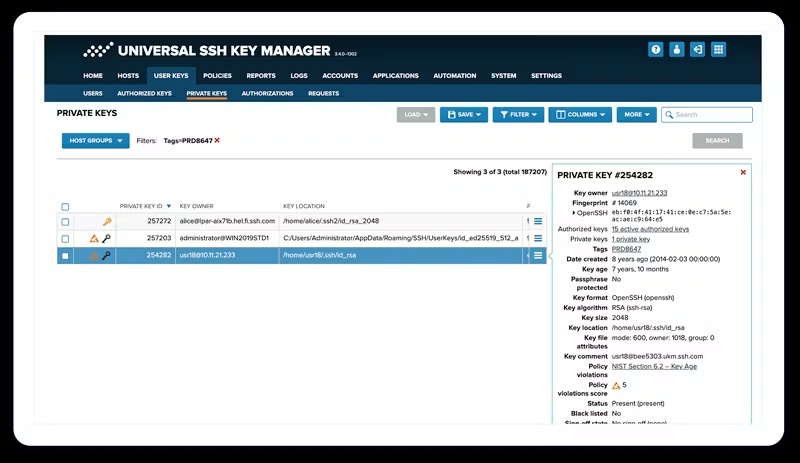
UKM shipped to paying customers. The early images are working pre-release screens, not retrospective mock-ups.
The challenge
Lost keys, orphaned keys and old access relationships created serious security risks across huge computing estates.
My role
I started the product with two senior backend developers. I was the entire design department: UI, UX, visual design and frontend, plus backend work when needed.
What changed
UKM let technical users discover access, analyse relationships, expose risk, remediate bad cases, update policy and keep monitoring.
01The problem was mostly invisible
Large banks, retailers and insurers run everything from mainframes to modern clouds. SSH keys can sit in those systems for decades, long after the people and reasons behind them are gone.
The dangerous question is not simply how many keys exist. It is which key gives which account access to which system, whether that access still makes sense and what might break if somebody removes it.
02Find it, understand it, fix it, keep watching
UKM was built around a loop, because one cleanup would never be enough.
- Discover what exists.
- Analyse the keys, accounts, hosts and relationships.
- Show the risk to administrators and auditors.
- Remediate the worst cases and flag uncertain ones.
- Update policy when the findings show a pattern.
- Keep monitoring and repeat.
03Technical users still deserve usable software
UKM was used by security administrators, Unix administrators, auditors and consultants. They were highly technical. They still deserved something better than a database with buttons.
The interface had to handle huge lists, exact details and complicated relationships without hiding the domain or turning the whole product into one giant table.
04The tables had 100,000 rows. The browser gave up.
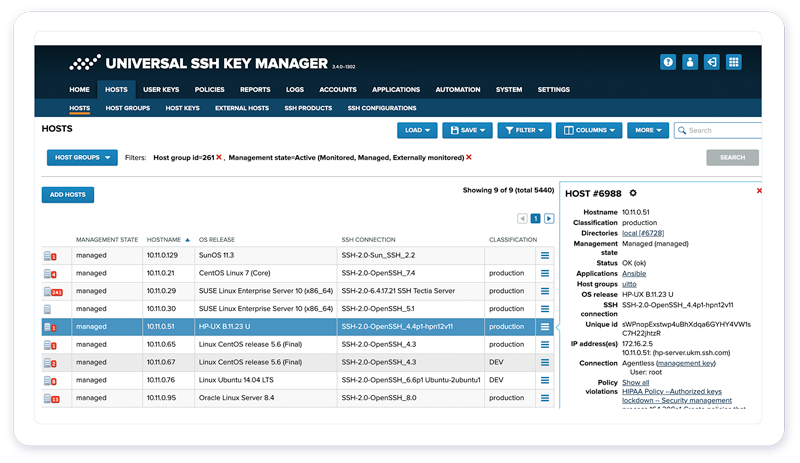
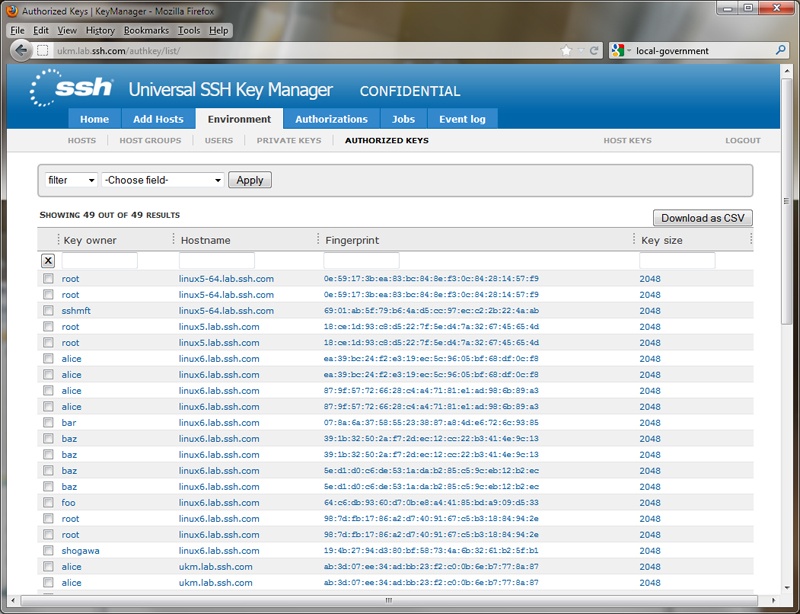
Keys, relationships and servers grew from manageable lists into tens or hundreds of thousands of records. Rendering everything could crash the web application, and a table nobody could search or navigate was not much better than no interface at all.
There were data-table libraries, filtering libraries and pagination libraries, but no out-of-the-box combination that behaved the way users expected at that scale. One approach broke the filters. Another made pagination and filtering disagree. Some queries overloaded or crashed the database.
I proposed how filtering and pagination should behave together, worked through many competing approaches with the team and tested them against the actual data. My solution kept winning because it worked. Then I coded the Python implementation myself so the interface stayed responsive, the database survived and users could find what they needed.
This decision did not begin with a formal interview. The evidence was the failing system, real data volume, technical testing and the way people expected filters to behave.
05I was the design department
I designed the entire original interface myself. I owned UI, UX, visual design and frontend, and I also worked on the backend when needed.
The first team was two senior backend developers and me, then more people joined. I was not alone in building UKM. I was the person who made its complexity usable on screen.
06The skin changed. The guts stayed.
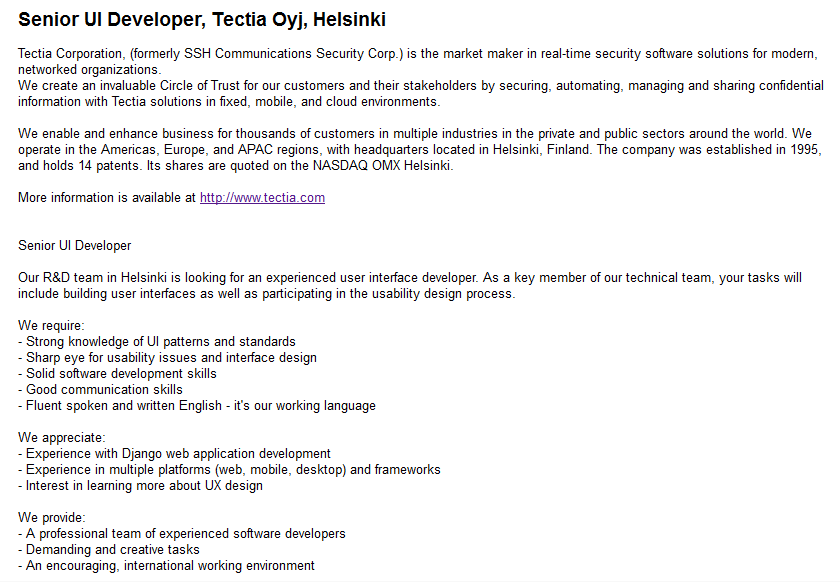
The early images are working versions from before UKM reached paying customers. Later we modernised the visual style, while the main workflows and product model stayed.
That was not an accident. I had kept the UI skin separate enough from the product logic that the visual language could change without rebuilding the guts.